

Financial Management
Resource Management
Time & Expense
Services Analytics
Time is money. Maximize both.
Capture effort, track spend, and approve faster while keeping projects, billing, and margins aligned with AI.
No chasing. No rework.
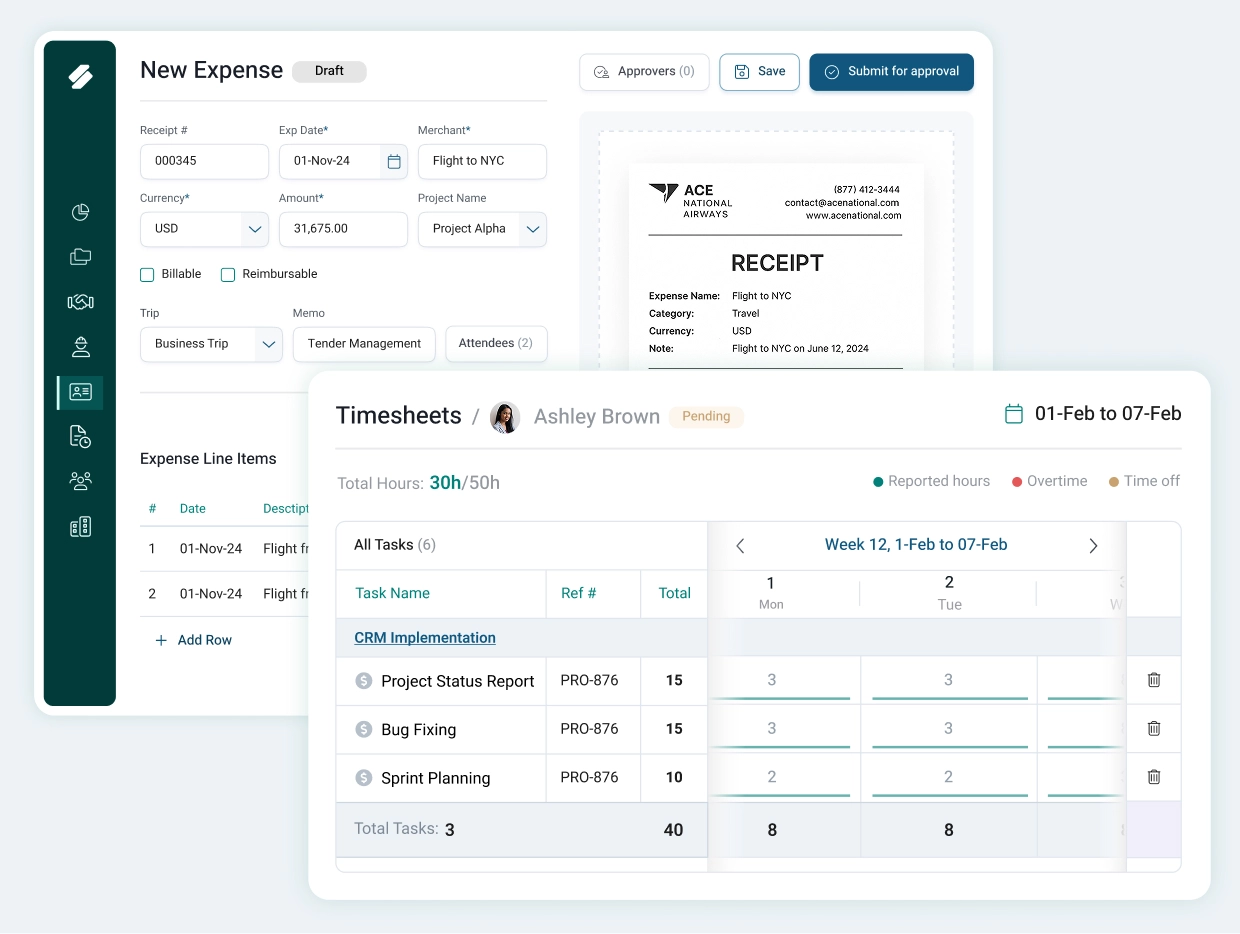
Drag. Drop. Done.
Drop in a Receipt.
AI Handles the Rest.
Upload a receipt and AI extracts amounts, categories, and taxes automatically. Required fields are filled in seconds. No manual typing. No missed details.
Faster submissions. Fewer errors.
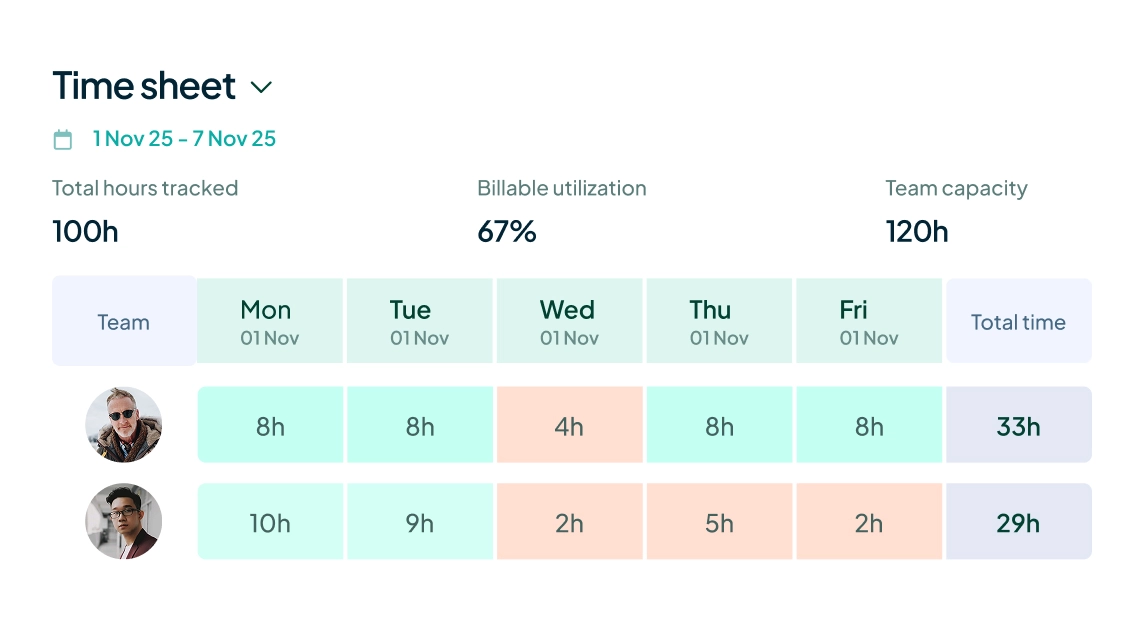
Timesheets that Fill Themselves.
Timesheets are auto generated from project allocations, task assignments, local work schedules, holidays, and approved time off. Teams review and submit instead of building from scratch.
Accuracy by design. Less back-and-forth.
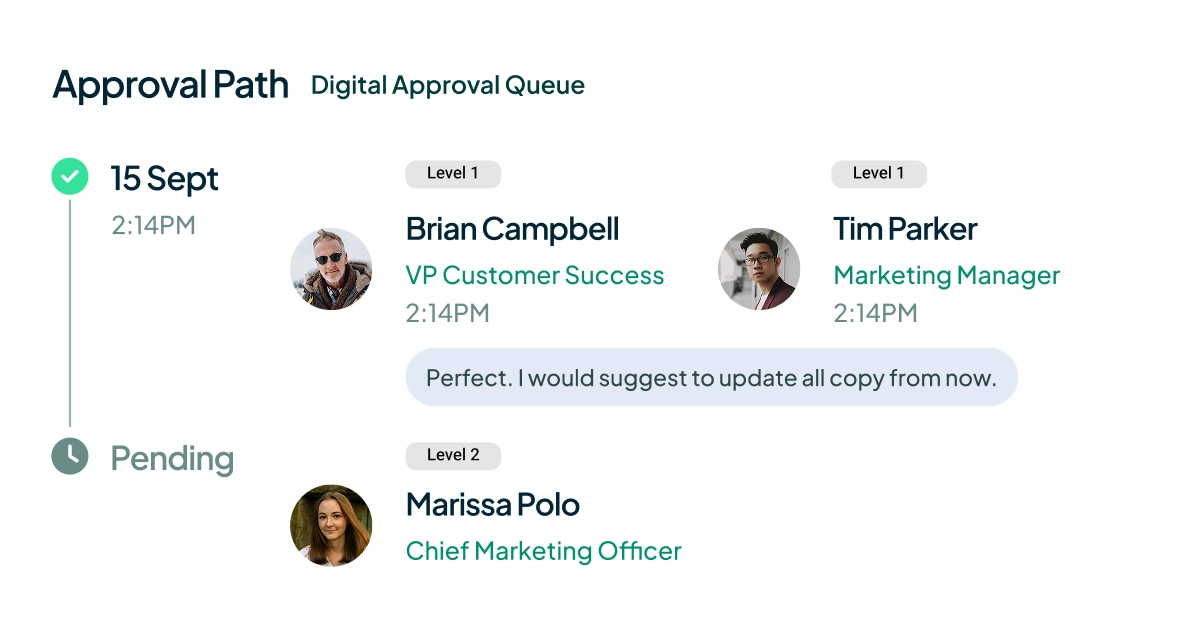
Approvals That Keep Up.
Timesheets and expenses flow through unified, policy-driven, multi-level approval workflows. Everything moves in one connected system. No email trails. No bottlenecks.
Faster approvals. Cleaner records.
Stop chasing effort. Start capturing value.
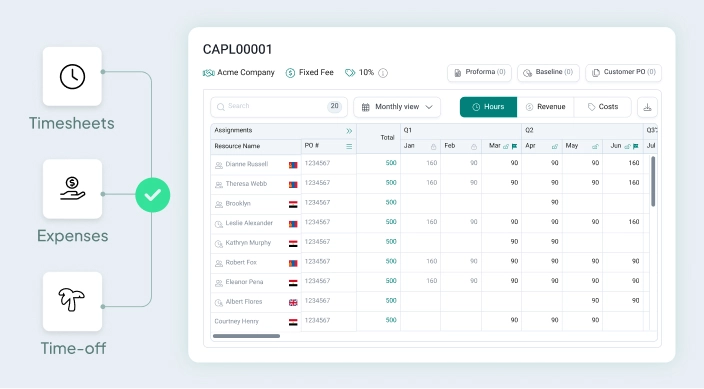
Every Hour Accounted. Every Dollar in Control.
Approved time and expenses roll into project financials in real time. Costs stay visible. Margins stay predictable.
No disconnected tracking.
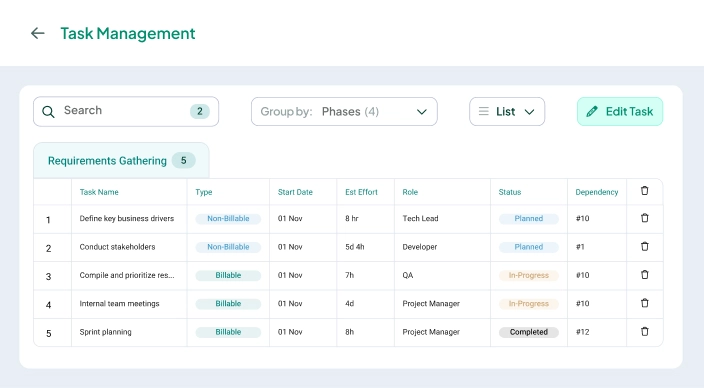
Clear Ownership. Cleaner Revenue.
Task-level tracking and multi-level approvals create accountability across teams. Billable assignments are complete, accurate, and ready for invoicing.
Fewer disputes. Faster billing.
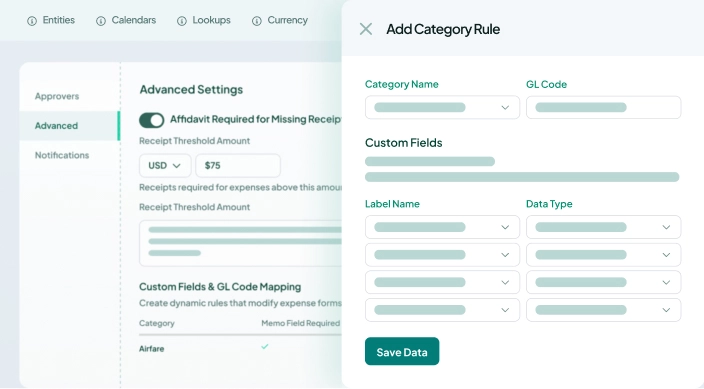
Built-In Compliance. Peace of Mind.
Dynamic custom fields by categories, GL mapping, missing receipt controls with affidavit, and audit trails create structured guardrails without slowing teams down.
Compliance happens automatically.
FAQs
Instead of starting from scratch each week, team members see pre-populated timesheets built from their project allocations, tasks, work schedules, local holidays, and approved time off. Submission takes seconds, not minutes.
Employees upload receipts via mobile or web, and AI automatically extracts and categorizes the expense data. This eliminates manual entry and reduces errors across high-volume expense submissions.
Yes. Configure multi-level approval workflows (sequential or parallel) with managers able to review, approve, or reject entries at each stage. Every action is logged for compliance and transparency.
Yes. Admins can approve or reject any time and expense entry with a required justification, ensuring business continuity during manager absences while maintaining a clear audit trail.
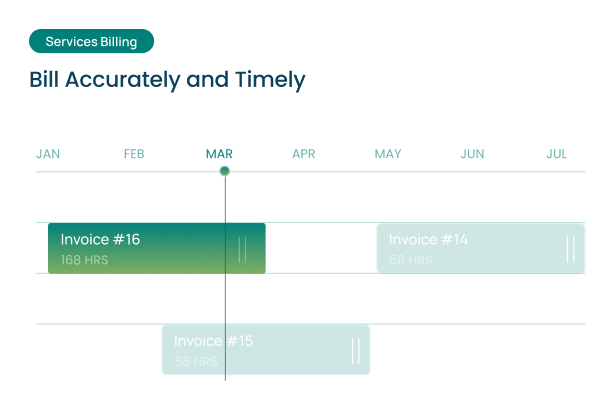
Yes. Approved time entries flow directly into project billing and invoice generation, reducing manual handoffs and virtually eliminating billing errors caused by data re-entry.
Yes. Expenses can be tagged as billable or non-billable and included in client invoices. AI recommends the most relevant project for tagging, reducing friction for employees and improving billing accuracy.
Yes. Timesheets capture billable work, non-billable activities, internal projects, regional public holidays, and approved time off, providing managers with a complete picture of how team hours are spent.
Yes. Full iOS and Android support enables employees to submit timesheets and expenses from the field, at client sites, or while traveling, with consistent experience across devices.
No. Teams can operate on project allocations without requiring timesheets. Timesheets can be enabled selectively for specific user groups, such as contractors who need to log actuals for billing purposes.
Yes. Timesheets and expense reports align with local work schedules, regional public holidays, approved time off, and multiple currencies, ensuring accuracy and compliance for teams worldwide.
Yes. Configure company-specific rules for missing receipts, affidavit thresholds, and custom fields by expense category. The system enforces these policies at submission, reducing back-and-forth during approval.
Set submission deadlines, automated reminders, and approval workflows that keep teams on track. Smart pre-fill suggestions and quick entry flows make it easy for employees to stay compliant, even on busy weeks.

Four powerful modules — Financial Management, Resource Management, Time & Expense, and Services Analytics — one smarter system.